# wmkit
**Headless window manager for the web.** Draggable, resizable, snappable windows with a taskbar model, keyboard accessibility and state persistence — for vanilla JS and every major framework.
[Русская версия](./README.ru.md) · [Live demo](https://wmkit.vercel.app) · [Mirror (Pages)](https://surdeddd.github.io/wmkit/) · [GitHub](https://github.com/Surdeddd/wmkit)
[](https://github.com/Surdeddd/wmkit/actions/workflows/ci.yml)
[](https://www.npmjs.com/package/@surdeddd/wmkit)
[](./LICENSE)
[](https://surdeddd.github.io/wmkit/)
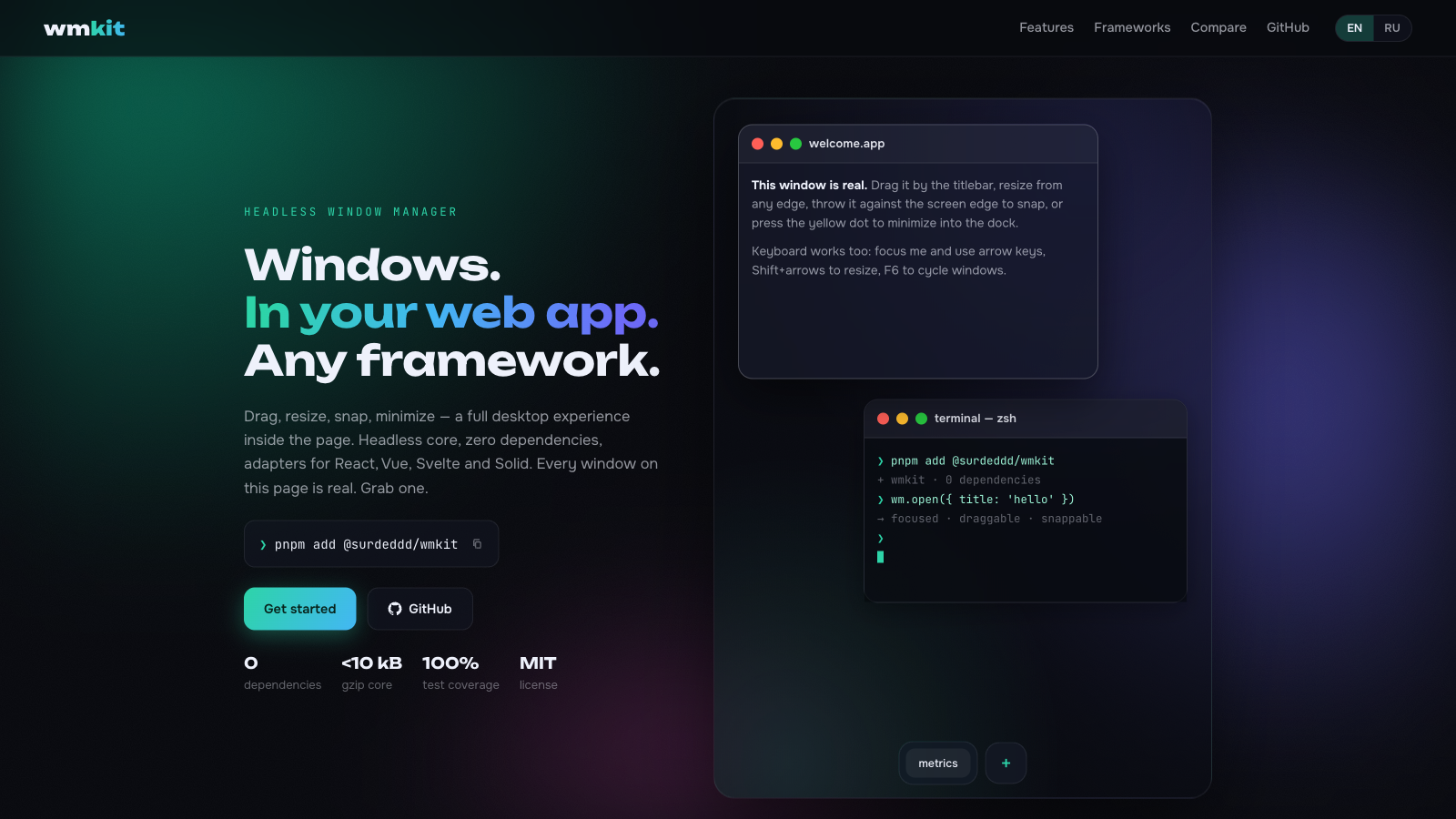
Every window above is real — open the demo and drag one.
- 🪟 **Full window lifecycle** — open, close, focus, minimize, maximize, restore, drag, 8-direction resize
- 🧠 **Headless core** — a serializable state machine plus a DOM controller; bring your own markup or use the glass theme
- ⚛️ **Official adapters** — `@surdeddd/wmkit/react`, `/vue`, `/svelte`, `/solid`, `/angular`, all thin sugar over one core
- ⊞ **Snap zones** — halves, quarters and drag-to-top maximize with a live preview
- 🧲 **Magnetism** — window edges align to neighbours and the viewport while dragging
- ↩️ **Undo/redo** — every mutation is one step; a whole drag collapses into a single history entry
- 🗂️ **Named layouts & arrange** — save/load desktop snapshots, `cascade`/`tile` in one call
- ⌨️ **Accessible** — keyboard move/resize, F6 window cycling, focus-trapped modals, `aria-live` announcements
- ⚡ **Fast** — `transform`-only positioning, rAF-batched pointer input, structural sharing; 50 windows drag at 60fps
- 💾 **Persistence** — one call to serialize the desktop, one call to restore it
- 🎨 **Three themes** — dark glass, light glass and Win98 retro, or bring your own CSS
- 🖼️ **Popout** *(experimental)* — send a window into Document Picture-in-Picture
- 📦 **Zero dependencies**, strict TypeScript, ESM + CJS, ~9.3 kB brotli core
## Install
```bash
npm install @surdeddd/wmkit
# or
pnpm add @surdeddd/wmkit
```
## Quick start (vanilla)
```js
import { createWindowManager, attachDesktop } from '@surdeddd/wmkit'
import '@surdeddd/wmkit/themes/glass.css'
const wm = createWindowManager()
const desktop = attachDesktop(wm, document.querySelector('#desktop'))
const win = wm.open({ title: 'Hello', width: 420, height: 280 })
const el = document.createElement('section')
el.innerHTML = `
Hello
Anything you want.
`
document.querySelector('#desktop').append(el)
desktop.attachWindow(win.id, el, { removeOnClose: true })
```
The desktop element becomes the coordinate space. Your markup stays yours — wmkit wires behavior onto `data-wm-*` attributes:
| Attribute | Meaning |
| --- | --- |
| `data-wm-drag` | drag handle (usually the titlebar); double-click toggles maximize |
| `data-wm-title` | window title node, linked via `aria-labelledby` |
| `data-wm-close` / `data-wm-minimize` / `data-wm-maximize` | control buttons, wired by delegation |
| `data-wm-content` | scrollable content area (styled by themes) |
`removeOnClose` detaches the controller and removes the element when the window closes. Touch devices get larger resize hit areas and snap thresholds automatically (`pointer: coarse`); tune via `attachDesktop(wm, el, { hitAreas: { edge, corner } })`.
The controller adds resize handles (`[data-wm-resize]`), a snap preview (`[data-wm-snap-preview]`) and a visually hidden live region for screen readers.
## React
```tsx
import { useWindowManager, useDesktop, useWmState, useWmWindowRef } from '@surdeddd/wmkit/react'
import '@surdeddd/wmkit/themes/glass.css'
function Desktop() {
const wm = useWindowManager()
const { ref, binder } = useDesktop(wm)
const state = useWmState(wm)
return (
Your React tree lives here — no portals, no innerHTML.
)
}
```
`useWmState` subscribes through `useSyncExternalStore`; unchanged windows keep referential identity, so memoized children skip re-renders.
## Vue
```vue
{{ state.windows.note?.title }}
composables all the way down
```
## Svelte
```svelte
{$main?.title}
stores and actions, no wrapper components
```
## Solid
```tsx
import { For } from 'solid-js'
import { useWindowManager, createDesktop, useWmState } from '@surdeddd/wmkit/solid'
function Desktop() {
const wm = useWindowManager()
const dk = createDesktop(wm)
const state = useWmState(wm)
wm.open({ title: 'Hello' })
return (